Help Center / Ban appeals / Every setting explained
Every Ban appeals setting explained
A full reference for the Ban appeals module. Every settings tab is shown exactly as it appears in the portal, with a plain-English explanation of what each option does.
Settings
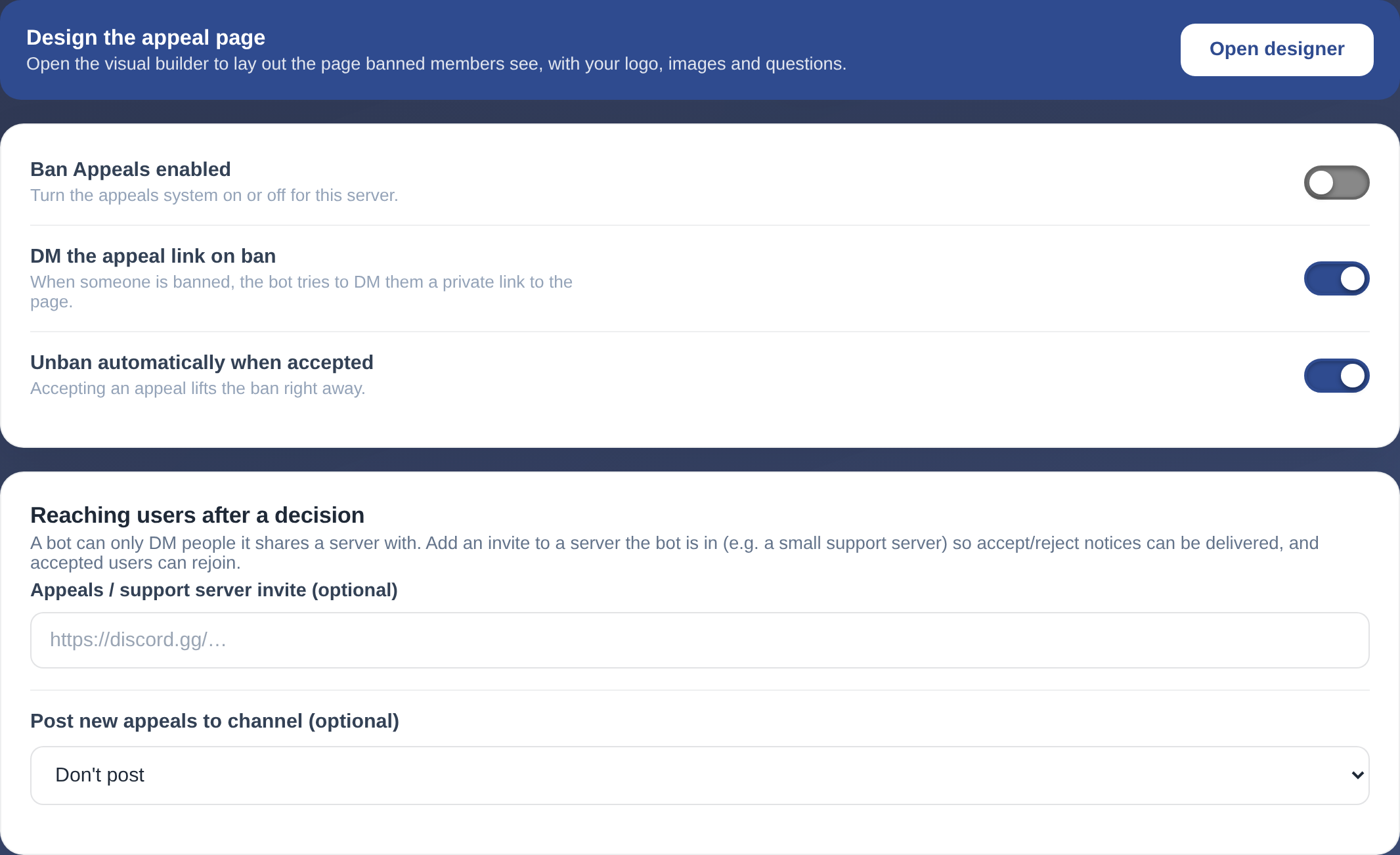
The Settings settings.
| Setting | What it does |
|---|---|
| Ban Appeals enabled | Turn the appeals system on or off for this server. |
| DM the appeal link on ban | When someone is banned, the bot tries to DM them a private link to the page. |
| Unban automatically when accepted | Accepting an appeal lifts the ban right away. |
Reaching users after a decision
A bot can only DM people it shares a server with. Add an invite to a server the bot is in (e.g. a small support server) so accept/reject notices can be delivered, and accepted users can rejoin.
| Setting | What it does |
|---|---|
| Post new appeals to channel (optional) | — |
Can't find what you're looking for?
Ask us anything in our Discord and we'll help you out.
Ask in our Discord