Help Center / Extras / How to set up auto reactions on Discord
How to set up auto reactions on Discord
Auto reactions make the bot add emojis to messages for you, either everywhere in a channel or whenever a message contains a keyword. Great for suggestion channels, polls and hype.
Turn it on for your server
- Open the portalGo to mimbos.com and log in with Discord, then pick your server.
- Make sure Moderation is activeExtras rides along with the Moderation bot, so activate Moderation first if you have not already. No separate bot to invite.
- Open Extras and enable Auto reactionsOpen the Extras module and switch Auto reactions on.
- Add a ruleCreate a rule that targets a whole channel or a keyword, then pick the emojis the bot should add.
- SaveThe bot starts reacting straight away, following your rules.
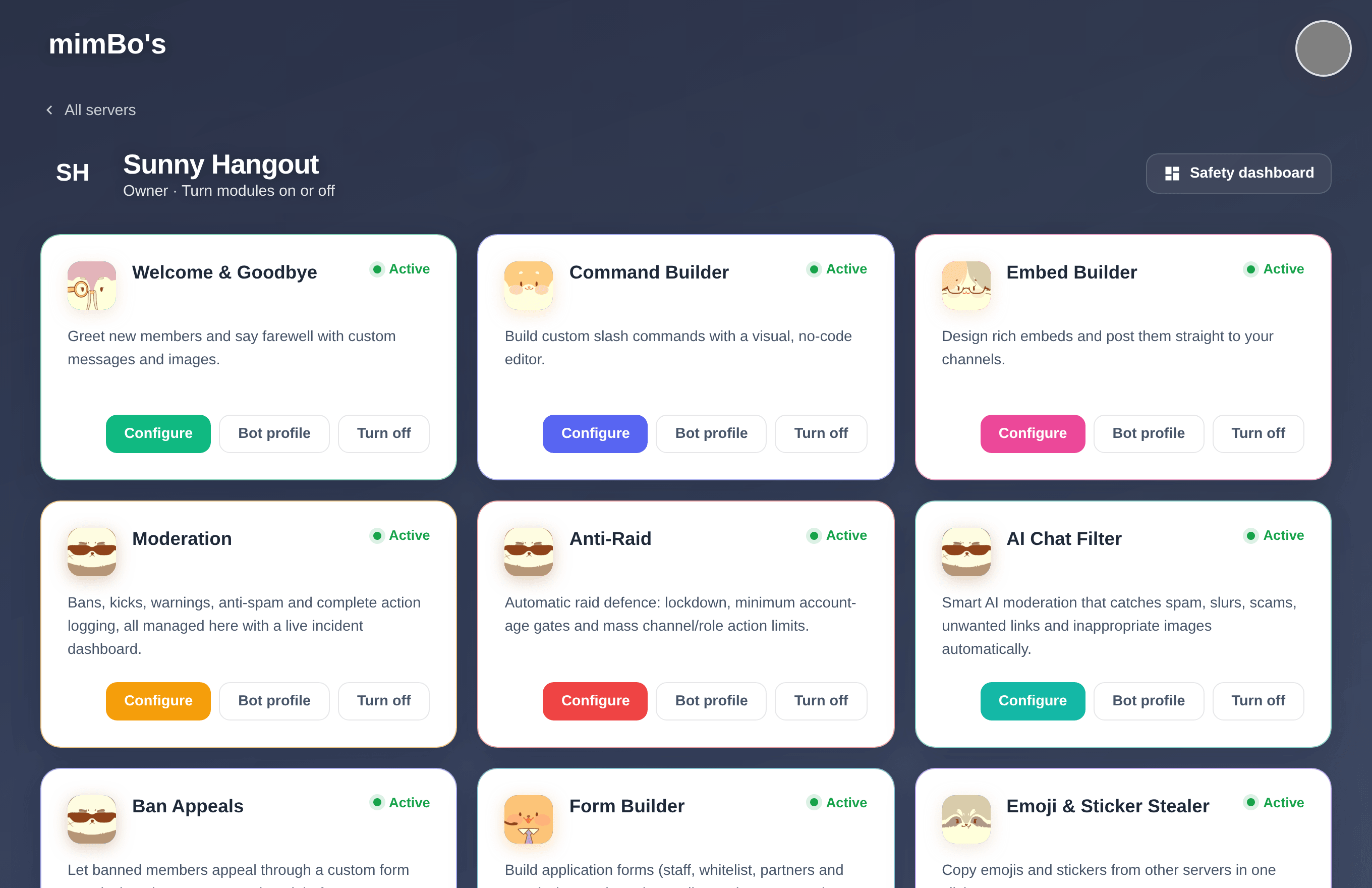
The module dashboard. Every bot has its own card with a Configure button that starts setup.
Tip. Use a channel rule for suggestion or media channels so every post gets an up and down vote automatically, and keyword rules for fun reactions on specific words.