Help Center / Anti-Raid / How to stop coordinated multi-account raids on Discord
How to stop coordinated multi-account raids on Discord
Most raids are not one account, they are a group acting together. This is the detection that catches them.
The detection
mimBo's tracks channel and role creations and deletions across every member at once inside a rolling window of about 30 seconds. When a burst of destructive actions comes from several different accounts at the same time, the participants are banned immediately, the structure is restored automatically, and your log channel gets an alert with two buttons: Confirm Ban to keep the ban, or False Alarm (Unban) if it caught something legitimate. Established bots get a grace period so normal automation is never mistaken for a nuke.
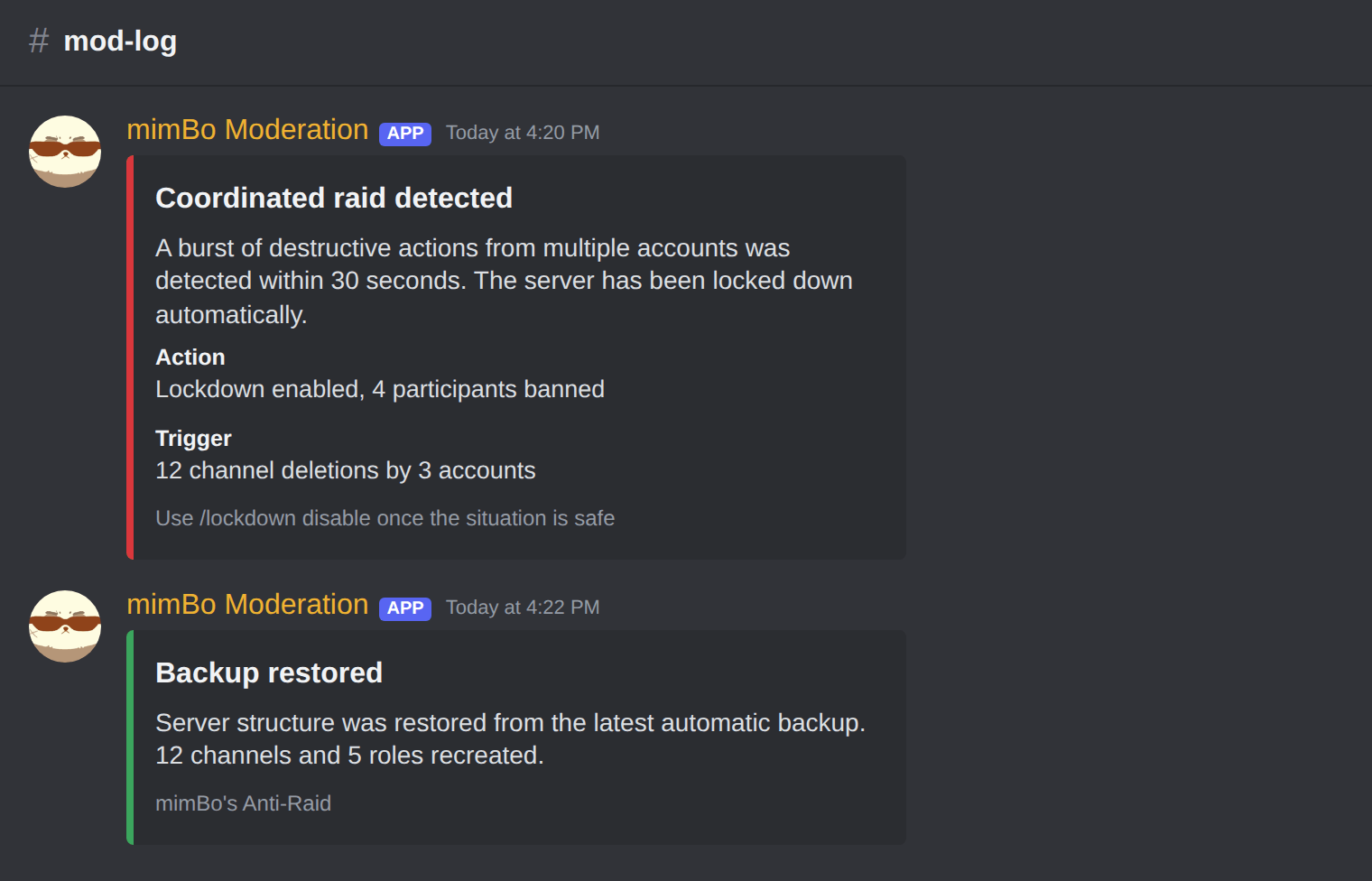
A critical raid alert: the attacker is banned immediately, the structure restored, and staff confirm or undo with one click.
You stay in control
- Review the alertEvery automatic ban comes with the reason and the evidence in your log channel.
- Confirm or undoPress Confirm Ban to keep it, or False Alarm (Unban) to reverse it instantly.
- Check /raidstatusA live summary of what the protection has seen and done recently.
Previous: How to protect a Discord server from raids Next: How to set join limits and anti-nuke thresholds
Can't find what you're looking for?
Ask us anything in our Discord and we'll help you out.
Ask in our Discord