Help Center / Anti-Raid / How to set join limits and anti-nuke thresholds
How to set join limits and anti-nuke thresholds
Every server has a different rhythm. These settings decide how much unusual activity it takes before Anti-Raid acts.
Joins and leaves
- Set join limitsOn the Joins and leaves tab, set how many joins in 30 seconds count as suspicious. Small servers use a fixed number, large servers a percentage of members.
- Gate brand-new accountsRequire a minimum account age with the portal setting or
/setagecheck days, and auto-lockdown if too many brand-new accounts join at once. - Watch mass leavesA leave threshold alerts you if members suddenly drain out, which often follows a raid or a mass-DM scam.
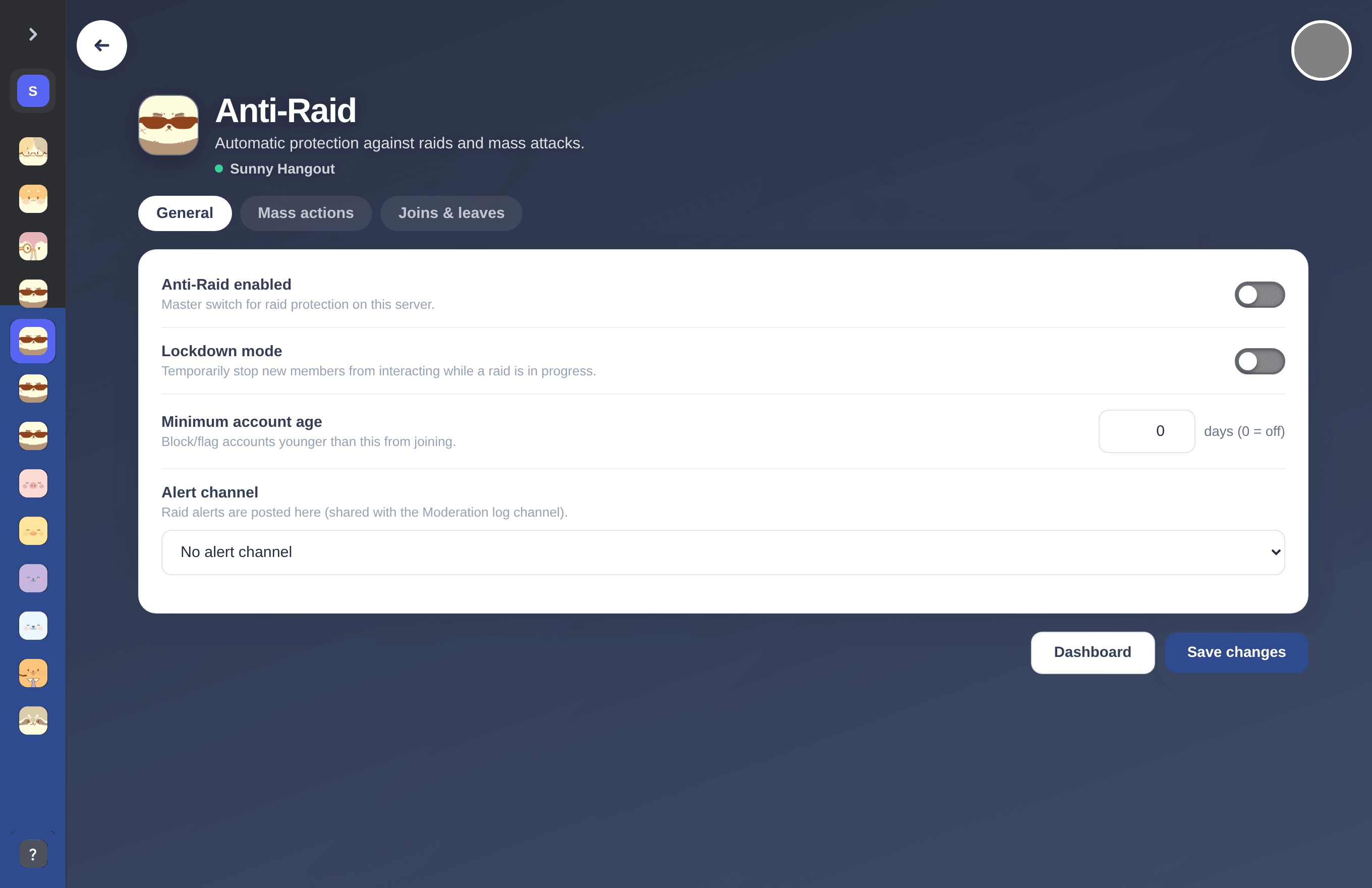
Join limits, account-age gates and leave alerts on the Joins and leaves tab.
Anti-nuke thresholds
On the Mass actions tab, define instant-ban limits for channels or roles created and deleted. From Discord the same settings are /criticalthresholds set type value and /criticalthresholds list. These catch nuke bots on their very first burst.
Tip. Keep trusted roles (/trustedrole add) and the bot whitelist (/whitelist add) up to date so your admins and known bots are exempt.
Previous: How to stop coordinated multi-account raids on Discord Next: How to back up and restore a Discord server
Can't find what you're looking for?
Ask us anything in our Discord and we'll help you out.
Ask in our Discord