Help Center / AI Chat Filter / Every AI Chat Filter command and what members see
Every AI Chat Filter command and what members see
The filter is configured from the dashboard; these commands cover the day-to-day in Discord.
The commands
| Command | What it does |
|---|---|
| /setup | Open the in-Discord setup for mode, log channel and immune roles (or manage it all on the dashboard). Needs Manage Server. |
| /filter-config | Show the current mode, log channel, escalation and immune roles. Needs Manage Messages. |
| /filter-stats user | See a member's warning count and standing. Needs Manage Messages. |
| /clear-warnings user | Reset a member's filter warnings. Needs Manage Messages. |
| /filter-optout enable | Any member can opt their own messages out of AI analysis (mods can still act manually). |
What a member sees
When a message is caught, the filter DMs the member a warning and logs the action.
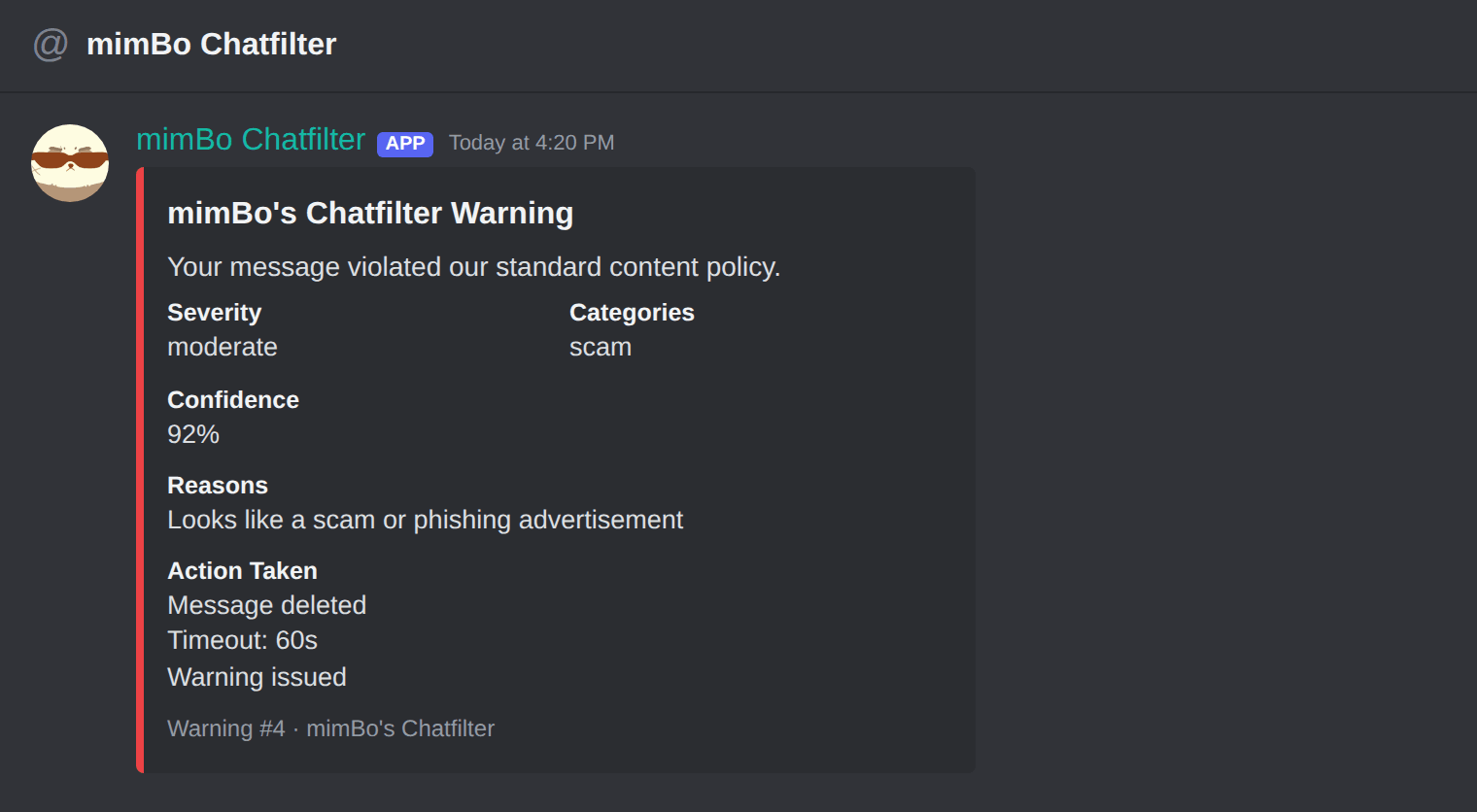
The warning DM: severity, category, confidence and the action taken.
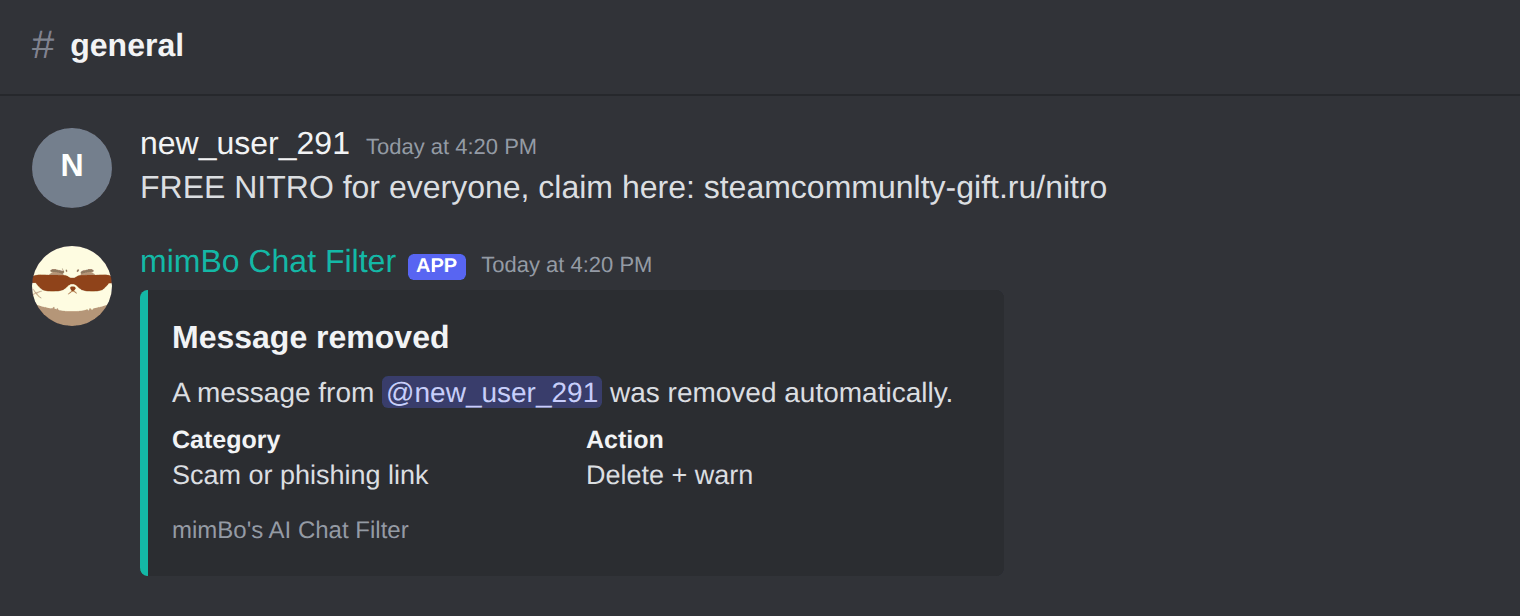
A scam link caught and removed in the channel.
Previous: How to block crypto scams and scam screenshots on Discord Next: Fixing common AI Chat Filter problems
Can't find what you're looking for?
Ask us anything in our Discord and we'll help you out.
Ask in our Discord