Help Center / Command Builder / How to create a custom slash command without code
How to create a custom slash command without code
Describe what you want, shape the reply, and it appears in your slash menu.
Build it
- Describe the commandType what you want in plain language, for example a rules command that lists the server rules in an embed. The builder turns it into a command draft.
- Review and tweakAdjust the name, description, options (text, numbers, users, channels, roles and more) and the reply. Replies can be plain text or full embeds.
- Add it to your serverPress Add to server. The command registers instantly and appears in the slash menu.
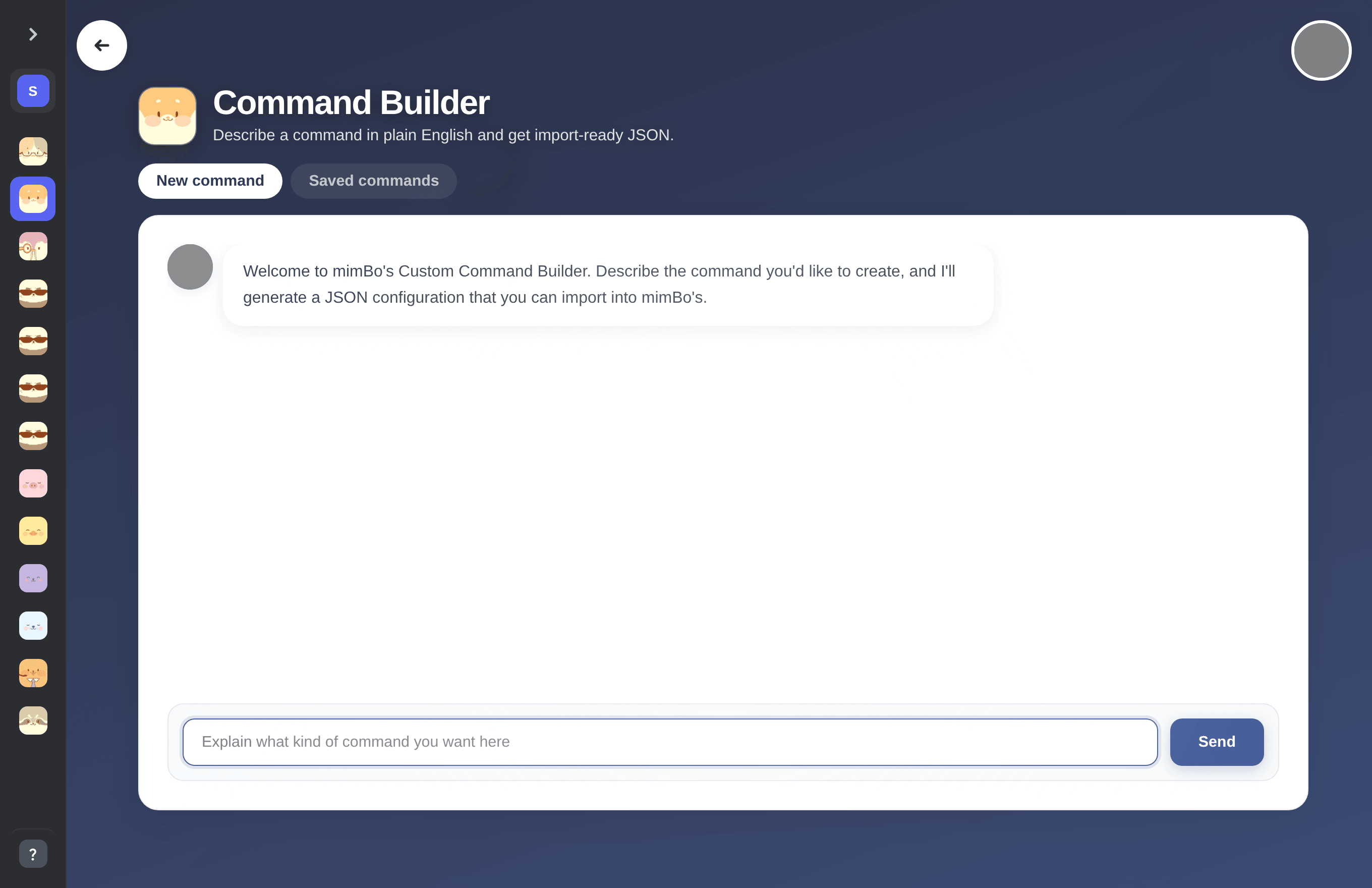
The Command Builder chat interface.
Previous: How to add custom slash commands to Discord Next: How to edit and manage your custom commands
Can't find what you're looking for?
Ask us anything in our Discord and we'll help you out.
Ask in our Discord