Help Center / Command Builder / How to edit and manage your custom commands
How to edit and manage your custom commands
Commands are per-server and always editable after the fact.
The library
Saved commands can be edited and re-deployed from the My Commands view at any time. Retiring a command with /command delete removes it from the slash menu within seconds.
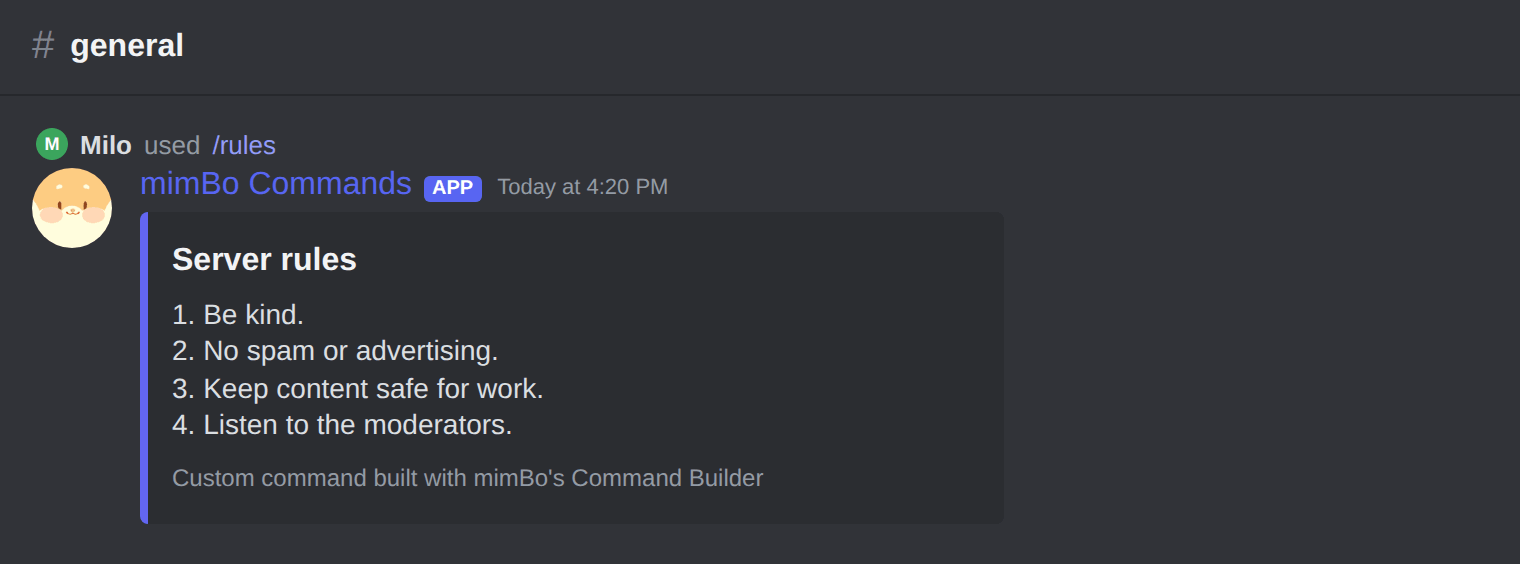
A member using a custom /rules command built with the Command Builder.
Imports are safety-checked
- Share commands as JSONCommands can be exported and shared between servers as JSON files.
- The import is analysedBefore anything registers, an AI safety check scans the command for malicious behaviour.
- Blocked or verifiedUnsafe commands are blocked with the reason shown; safe ones register immediately as Imported and Verified.
Can't find what you're looking for?
Ask us anything in our Discord and we'll help you out.
Ask in our Discord