Help Center / Embed Builder / How to make a rich embed for Discord
How to make a rich embed for Discord
Everything Discord embeds support, editable side by side with an accurate preview.
The editor
- Create a new embedPress New embed. The editor shows the form on one side and a live Discord-accurate preview on the other. On mobile the preview sits on top.
- Fill in the contentTitle, description, colour, author, footer, thumbnail, big image and up to 25 fields. Everything updates in the preview instantly.
- Save itSaved embeds live in your library so you can re-post or tweak them later.
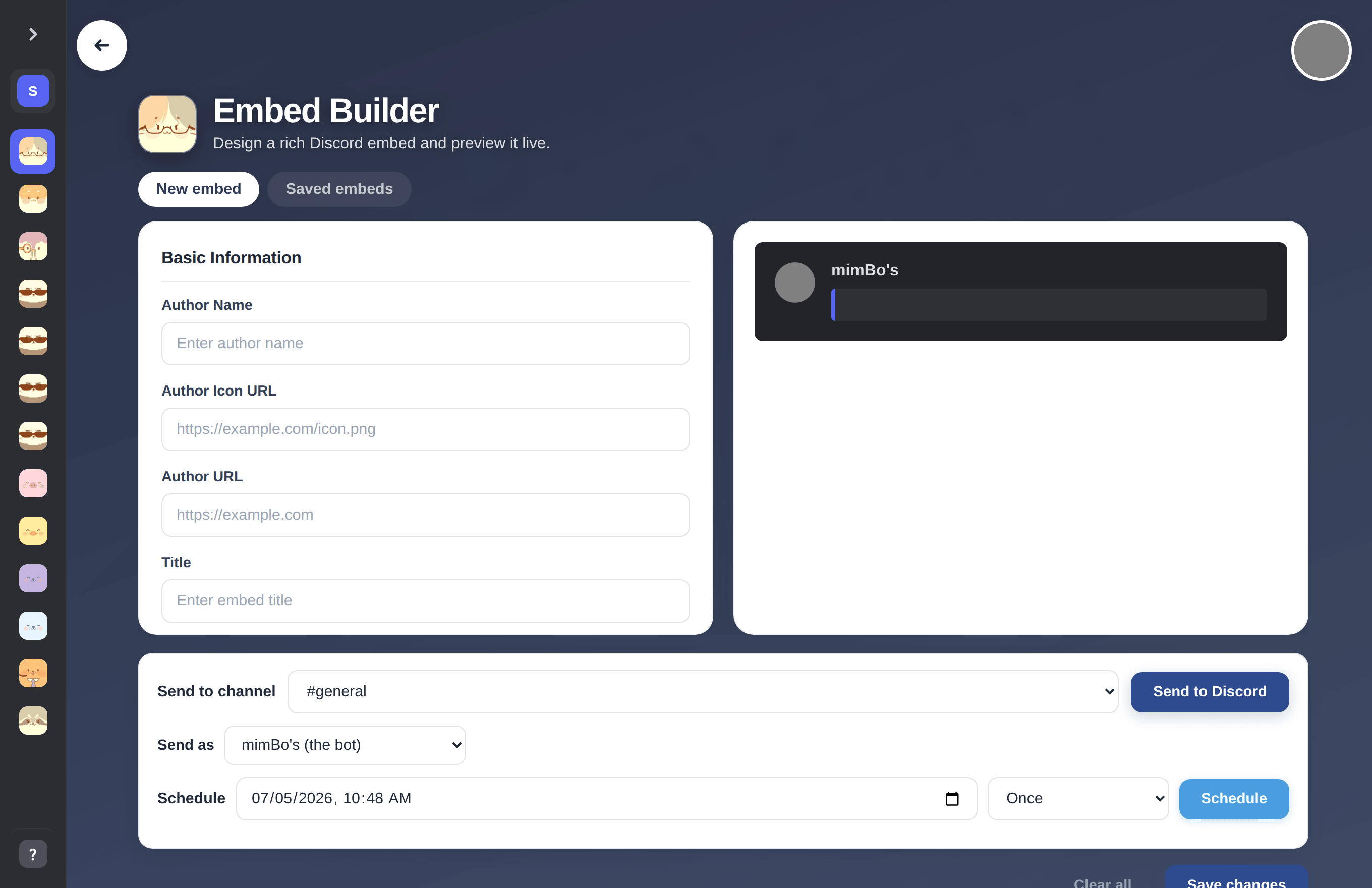
The embed editor with live preview.
Previous: How to post embeds to Discord without code Next: How to send an embed to a Discord channel
Can't find what you're looking for?
Ask us anything in our Discord and we'll help you out.
Ask in our Discord