Help Center / Embed Builder / How to send an embed to a Discord channel
How to send an embed to a Discord channel
Design once, post anywhere, reuse forever.
Send it from the website
- Pick a channelChoose any channel the bot can see from the dropdown.
- Press SendThe bot posts it immediately.
- ReuseOpen any saved embed later to tweak and re-post it.
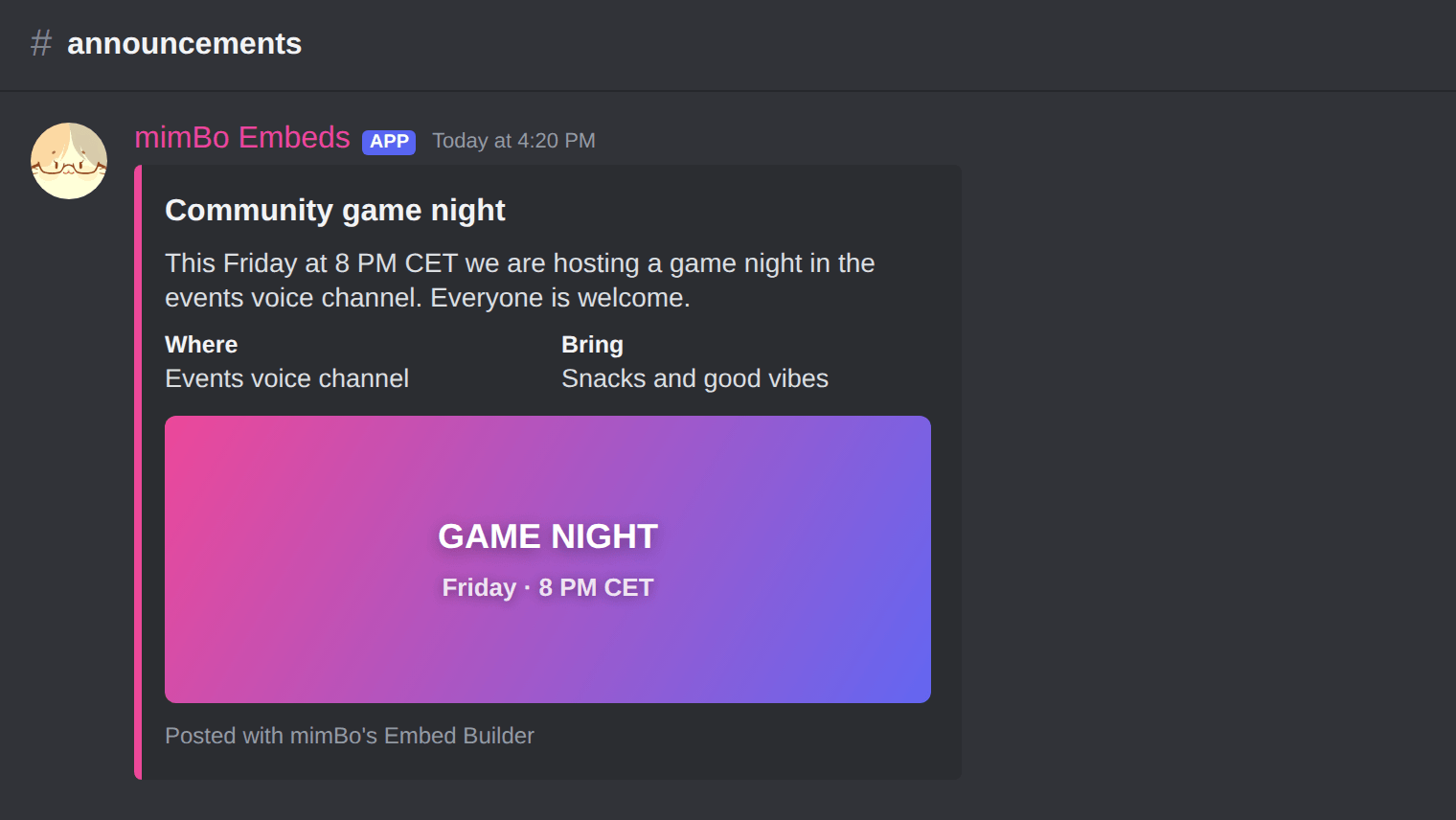
A finished embed posted to an announcements channel.
Or import and post as a member
- Export the JSONEvery embed in your library can be exported as a JSON file.
- Run /embed importPick the member the embed should appear from and attach the file.
- The bot posts via webhookThe embed appears with that member's name and avatar. Administrator permission is required to run the import.
Tip. Combine with the Command Builder to post an embed as the response of a custom slash command.
Can't find what you're looking for?
Ask us anything in our Discord and we'll help you out.
Ask in our Discord