Help Center / Form Builder / How to build a Discord application form
How to build a Discord application form
Questions are blocks you drag into order; the apply panel is a message the bot posts for you.
Build and deploy
- Add questionsDrag and drop question blocks in the portal: short text, long text, choices. Reorder them freely.
- Set the outcomeChoose the role to grant on acceptance and whether applicants get DM notifications about the decision.
- Open the formApplicants fill it out on the web, signed in with Discord, so you always know exactly who applied.
- Deploy the panelRun /forms-panel or deploy from the portal. The panel lists a button per open form.
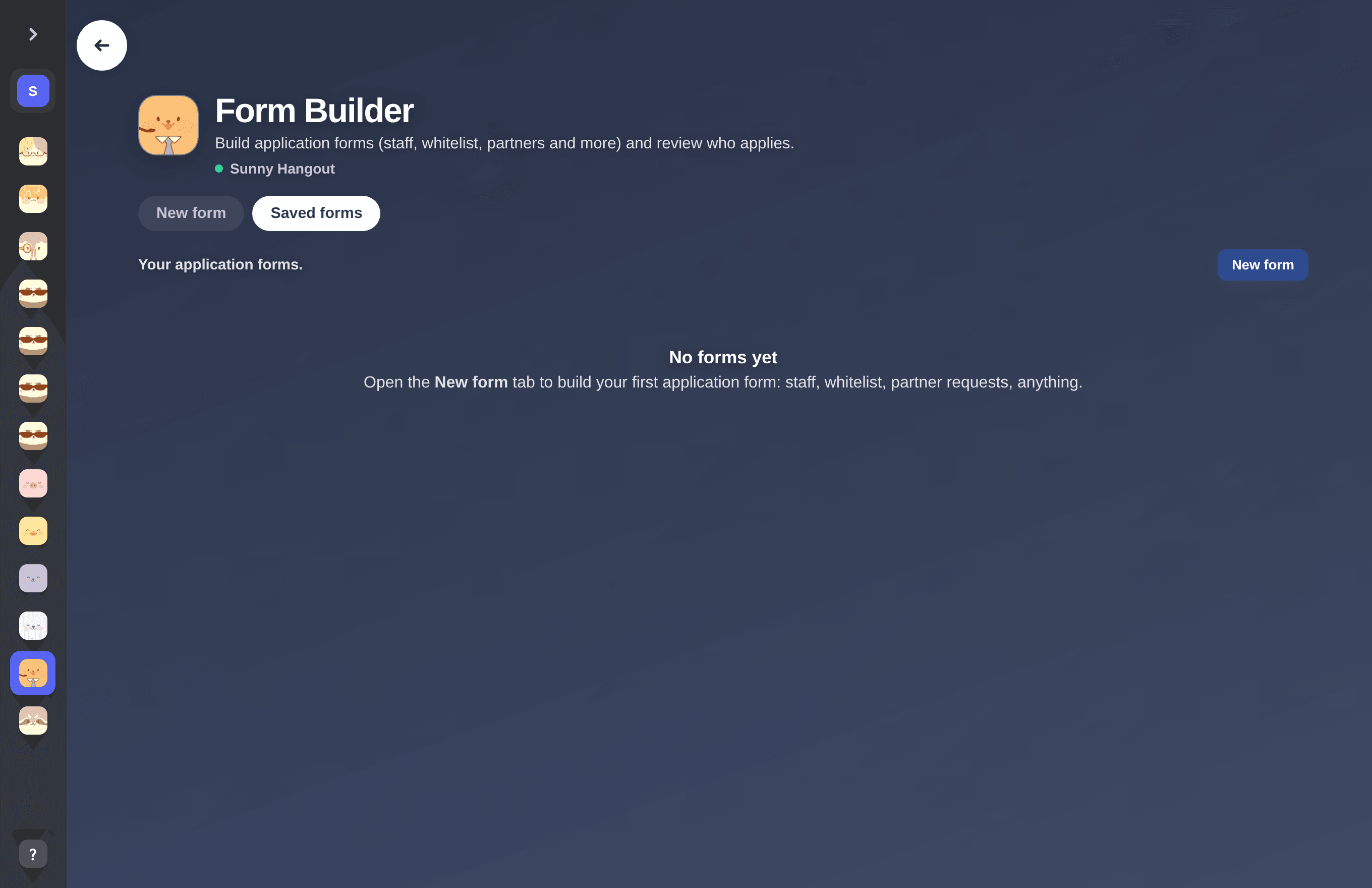
The Form Builder editor.
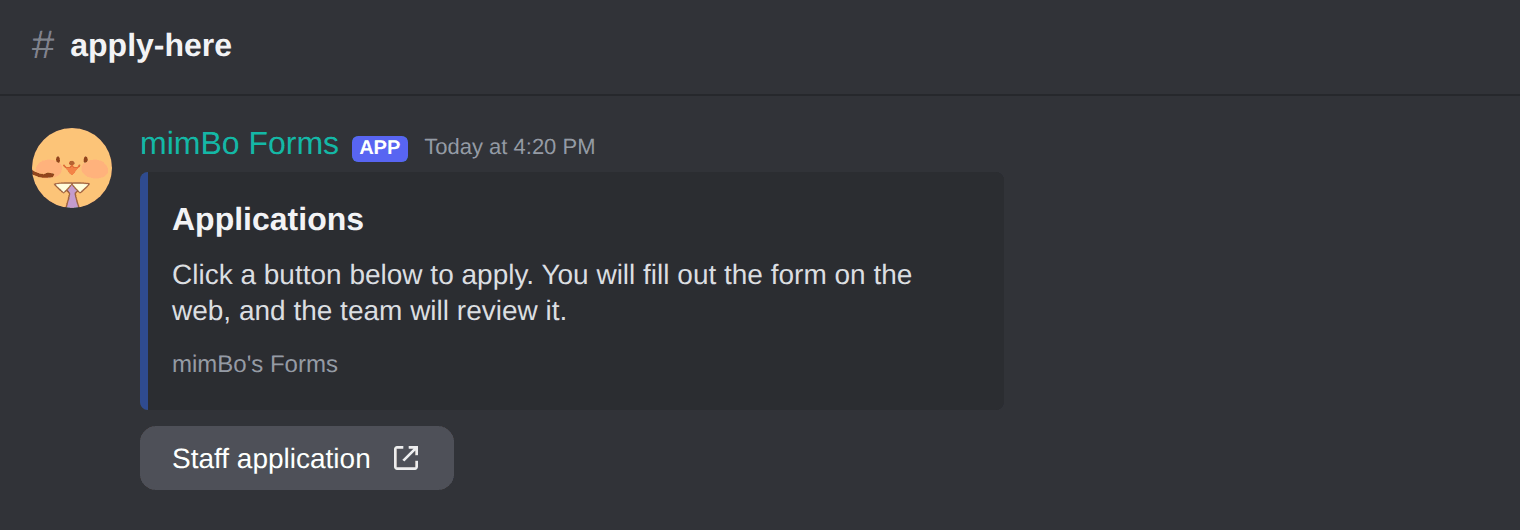
The deployed Applications panel. Each button opens the web form.
Previous: How to set up application forms on Discord Next: How to review applications and grant roles automatically
Can't find what you're looking for?
Ask us anything in our Discord and we'll help you out.
Ask in our Discord