Help Center / Getting started / How to log in with Discord and pick a server
How to log in with Discord and pick a server
The portal uses Discord login, so there is no account to create and no password to remember.
Log in
- Go to the portalOpen mimbos.com and press Continue with Discord. Discord asks you to authorise mimBo's to see which servers you manage. We never see your password.
- Choose a serverYou get a list of every server where you are the owner or an admin. Click the one you want to set up.
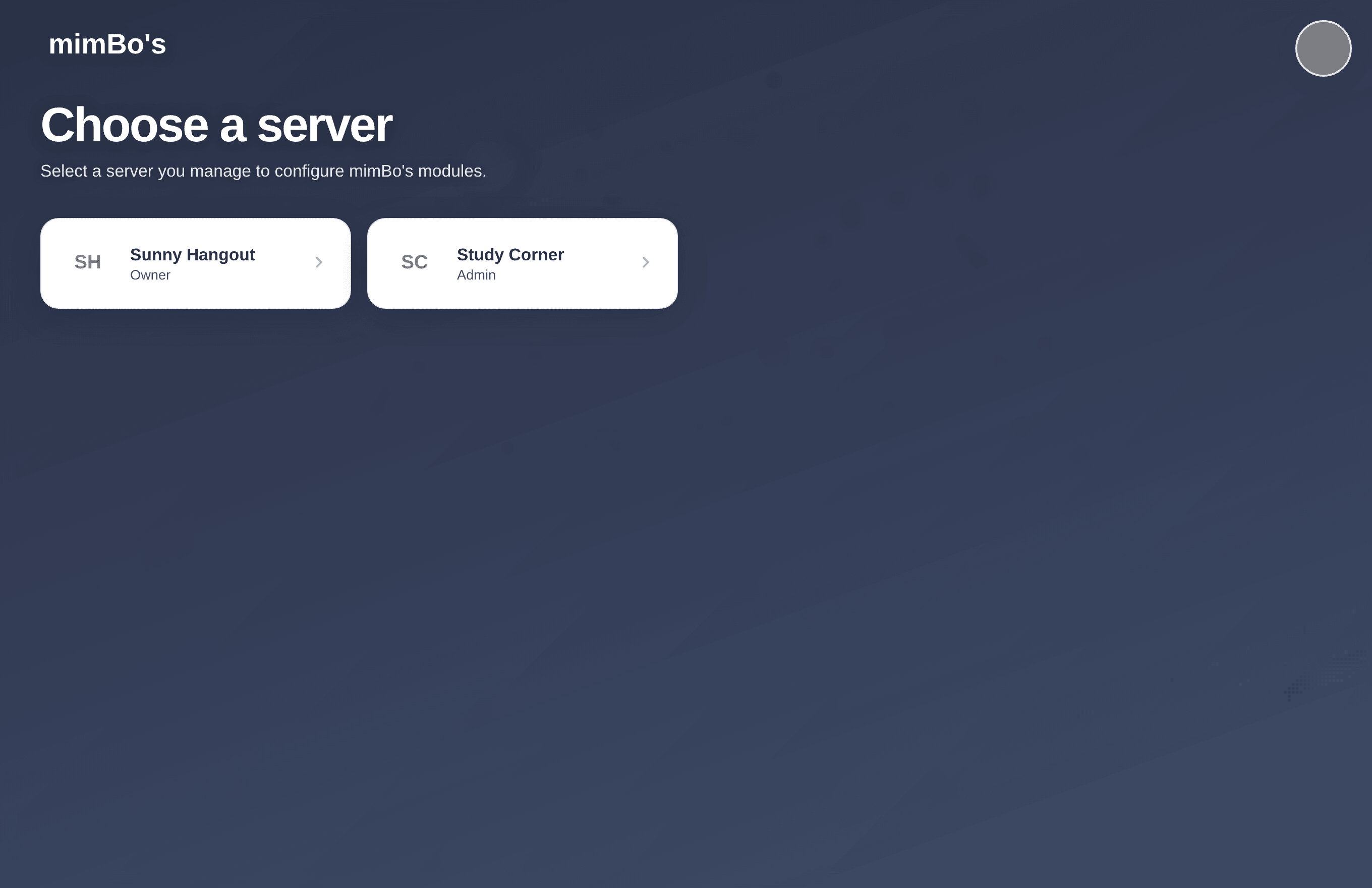
The server picker only shows servers where you have admin rights.
Tip. You can switch servers at any time from the sidebar rail or the All servers link at the top of the dashboard.
Can't find what you're looking for?
Ask us anything in our Discord and we'll help you out.
Ask in our Discord