Help Center / Getting started / How to find your way around the portal
How to find your way around the portal
Once you are inside any module page there is a rail on the left edge of the screen that gets you anywhere in two clicks.
The sidebar
The sidebar remembers which server you are working on when you jump between modules, and it includes a server switcher at the top. Modules the current server has not activated are greyed out; clicking one takes you to its activation flow instead of an empty settings page.
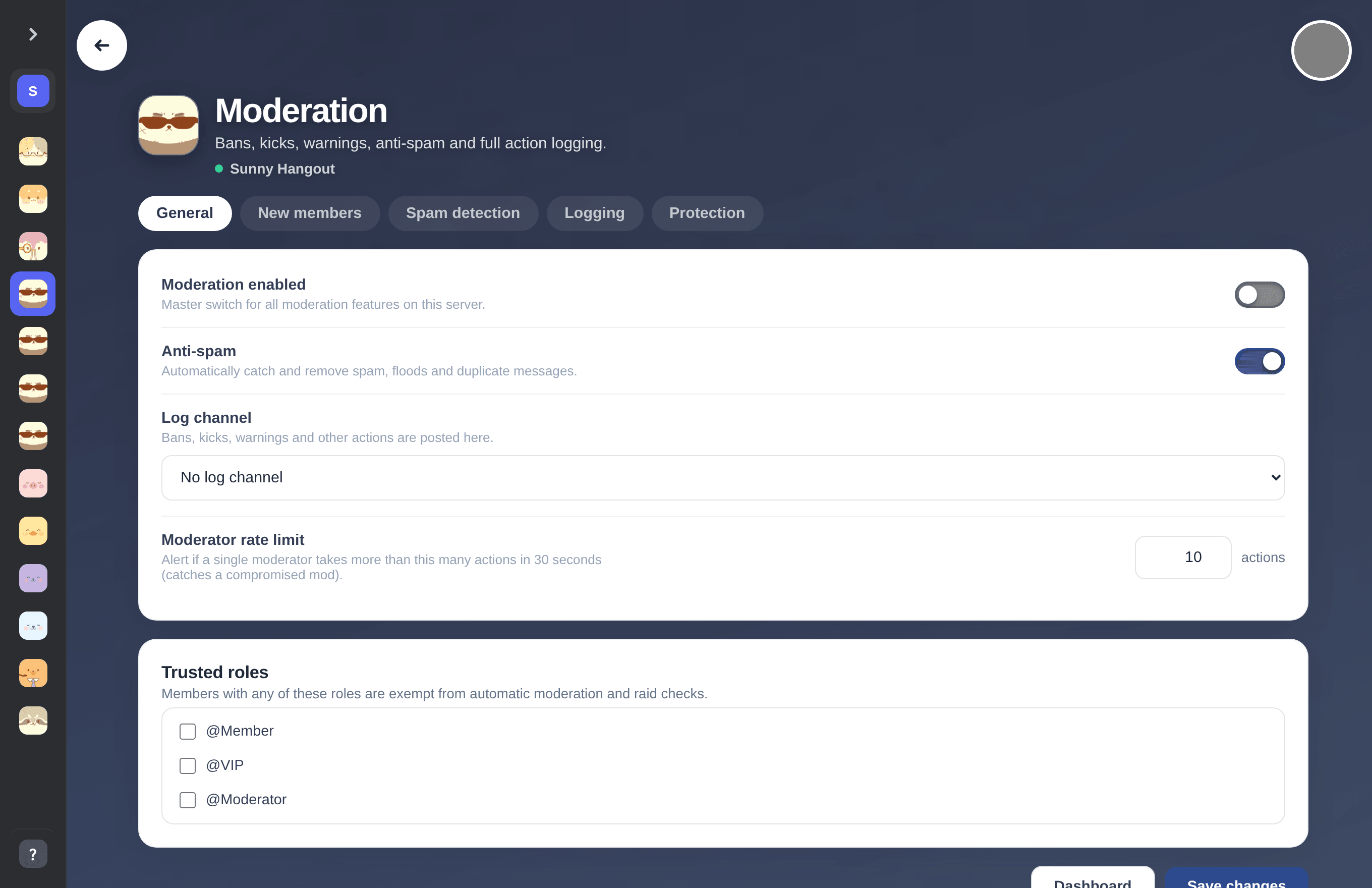
The sidebar rail on the left edge: bot avatars, a server switcher on top and Help & Docs at the bottom.
The safety dashboard
Everything the safety bots catch (Moderation, Anti-Raid, AI Chat Filter) streams into one live incident feed. Open it with the Safety dashboard button at the top of the module dashboard.
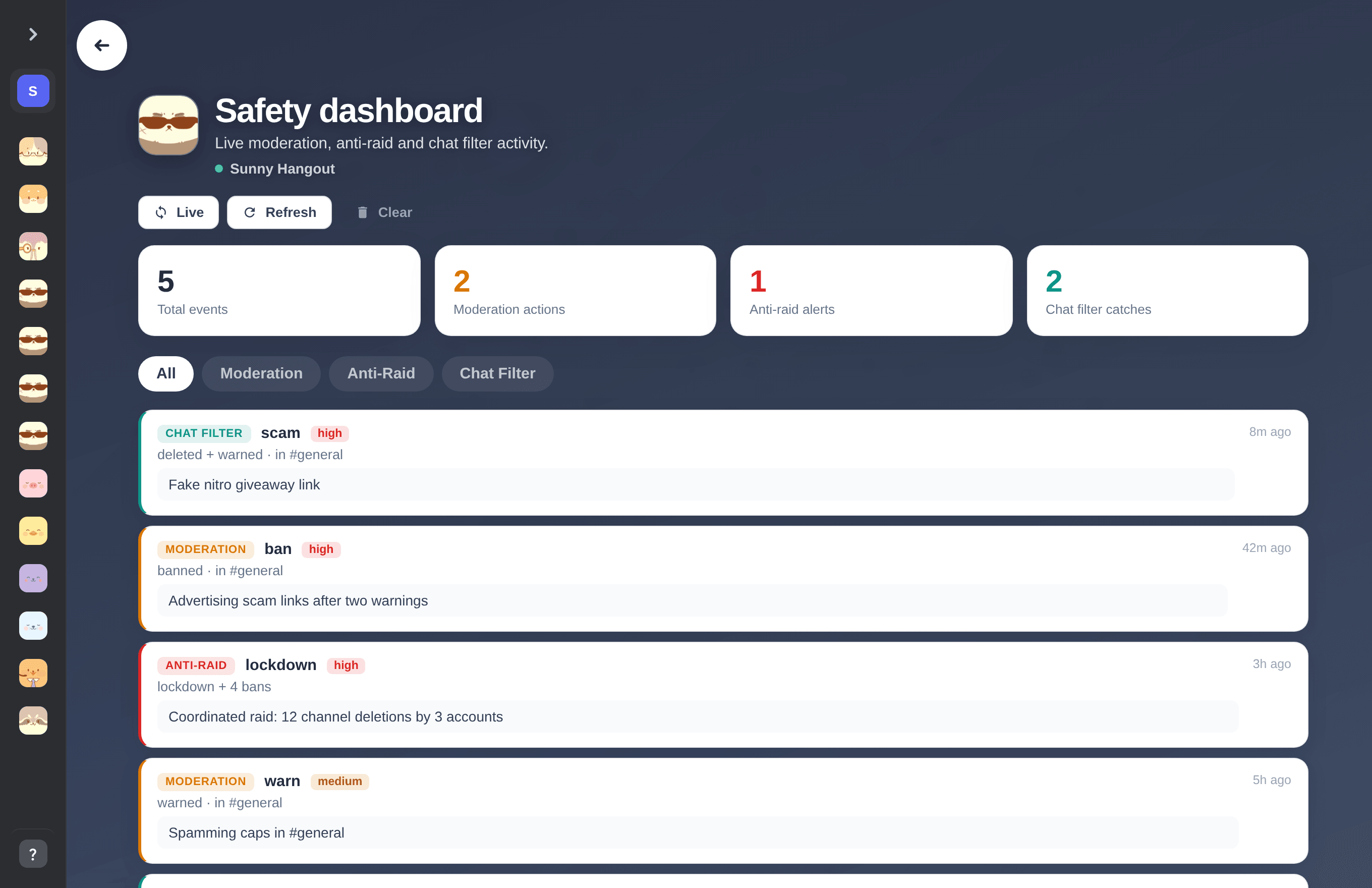
The live safety dashboard with counters and a filterable incident feed.
Tip. Everything in mimBo's is free. If you get stuck, every module section here in the Help Center has its own set of guides.
Previous: How to add a mimBo's bot to your Discord server Next: How Discord permissions and role order work for bots
Can't find what you're looking for?
Ask us anything in our Discord and we'll help you out.
Ask in our Discord