Help Center / Welcome & Goodbye / How to make a custom welcome image for Discord
How to make a custom welcome image for Discord
The generated image card puts the new member's avatar on a background you choose, attached under your welcome text or embed.
Design it
- Choose text or embedWelcomes can be a plain message or a rich embed. With an embed you can still ping the member outside it so they get the notification.
- Write with placeholdersUse
{user}for the mention,{username},{server},{memberCount},{account_created}and more. The live preview updates as you type. - Add the imageTurn on the image card and pick a background. The member's avatar is overlaid automatically.
- Optional extrasA welcome DM greets the member privately, autorole assigns a role on join, and a delay can hold the welcome a few seconds.
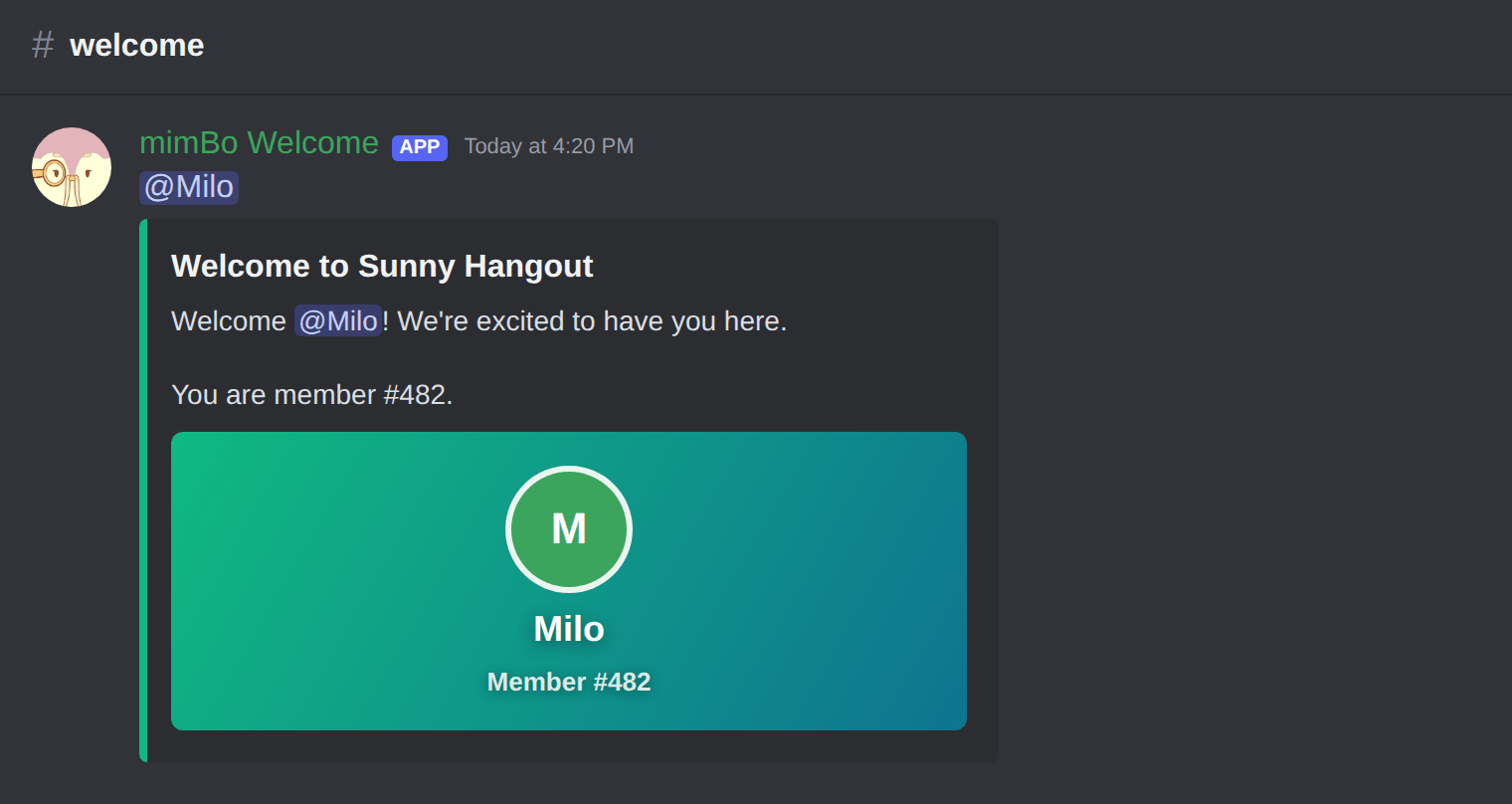
A welcome with the generated image card and the member pinged outside the embed.
Previous: How to set up welcome messages on Discord Next: How to send goodbye messages when members leave
Can't find what you're looking for?
Ask us anything in our Discord and we'll help you out.
Ask in our Discord