Help Center / Leveling & XP / How to use XP multipliers and level role rewards
How to use XP multipliers and level role rewards
Multipliers make events feel special, and role rewards give levels real meaning.
Set up multipliers
Multipliers change how fast XP is earned in a place or for a group.
- Open the Leveling settingsPick your server, open Leveling & XP and find the multipliers section.
- Boost a channel or roleDouble XP in the event channel during game night, or a booster-only multiplier as a perk.
- Stack carefullyMultipliers combine, so a boosted role in a boosted channel earns both bonuses.
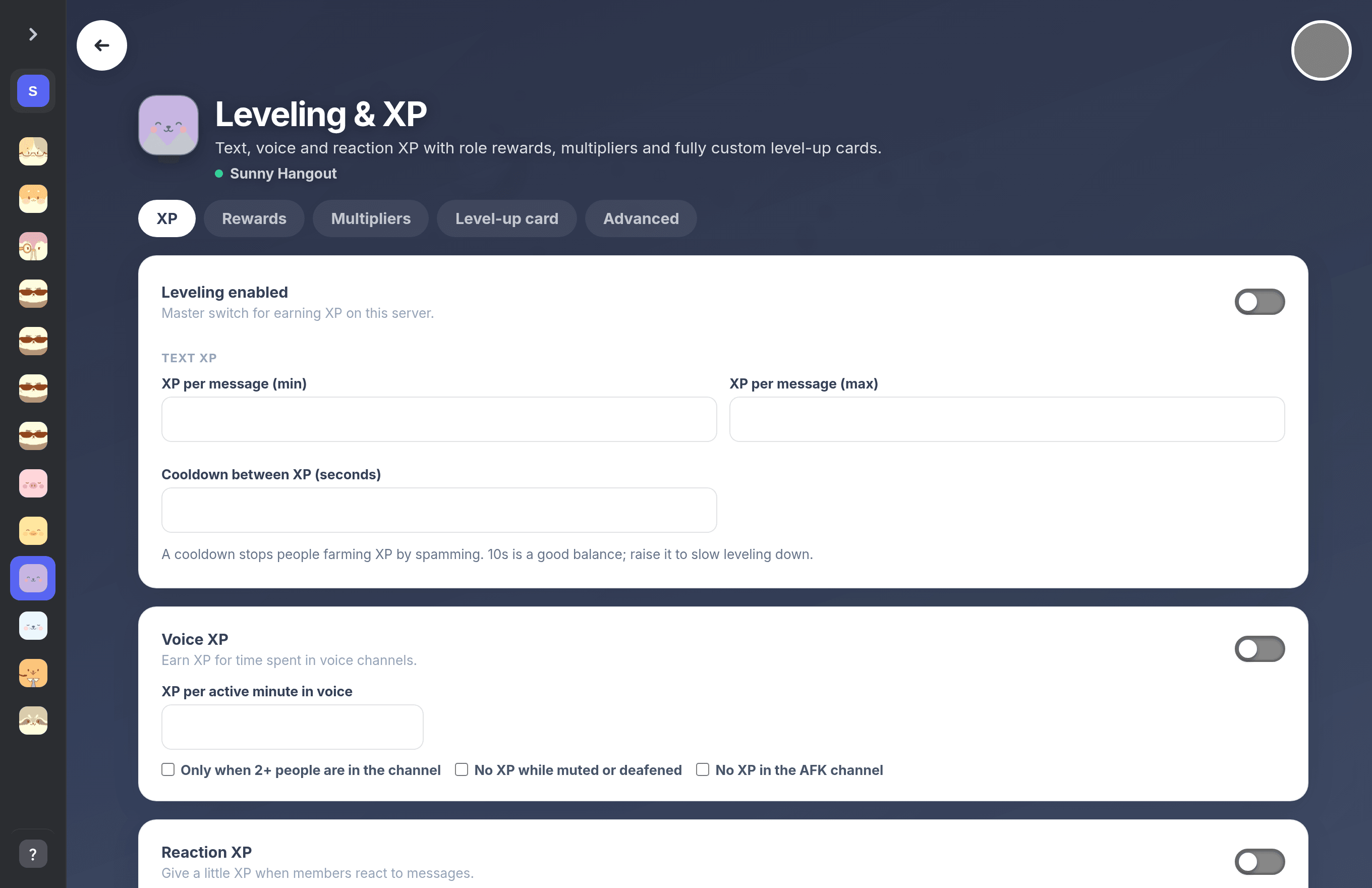
Multipliers and role rewards live on the Leveling & XP settings page.
Set up role rewards
Rewards give levels real meaning.
- Pick the levelsChoose which levels grant a role automatically, like Level 10 gives Regular.
- Stack or replaceKeep every earned reward, or remove lower reward roles as members climb. Both behaviours are supported.
- Check role orderThe bot's role must sit above the reward roles in Server Settings or Discord will refuse the grant.
Tip. Admins can hand out XP directly with
/givexp user amount. Previous: How to set up a leveling system on Discord Next: How to make a custom rank card and public leaderboard
Can't find what you're looking for?
Ask us anything in our Discord and we'll help you out.
Ask in our Discord