Help Center / Moderation / How to ban, kick, warn and timeout members on Discord
How to ban, kick, warn and timeout members on Discord
Everything your mods need lives in the slash menu, and every action they take is logged automatically.
The core commands
| Command | What it does |
|---|---|
| /ban user reason | Ban a member. If Ban Appeals is on, they automatically get an appeal link by DM. /unban userid lifts it. |
| /kick user reason | Remove a member without banning. |
| /warn user reason | Warn a member. The bot DMs them "You Have Been Warned" with the reason, and the warning is counted on their record. |
| /mute user time | Timeout a member for a duration like 10m or 1h. /unmute lifts it, /timeout works too. |
| /clearwarnings user | Wipe a member's warning record. |
| /purge number | Delete 1 to 100 recent messages in the channel. |
| /slowmode time channel | Set channel slowmode in seconds. |
| /lock channel | Lock a single channel. /unlock opens it again. |
| /userinfo user | See a member's record: warnings, kicks and bans. |
| /nickname user newname | Rename a member. /resetnick restores it. |
What logging looks like
Every action lands in your log channel with who did what and why.
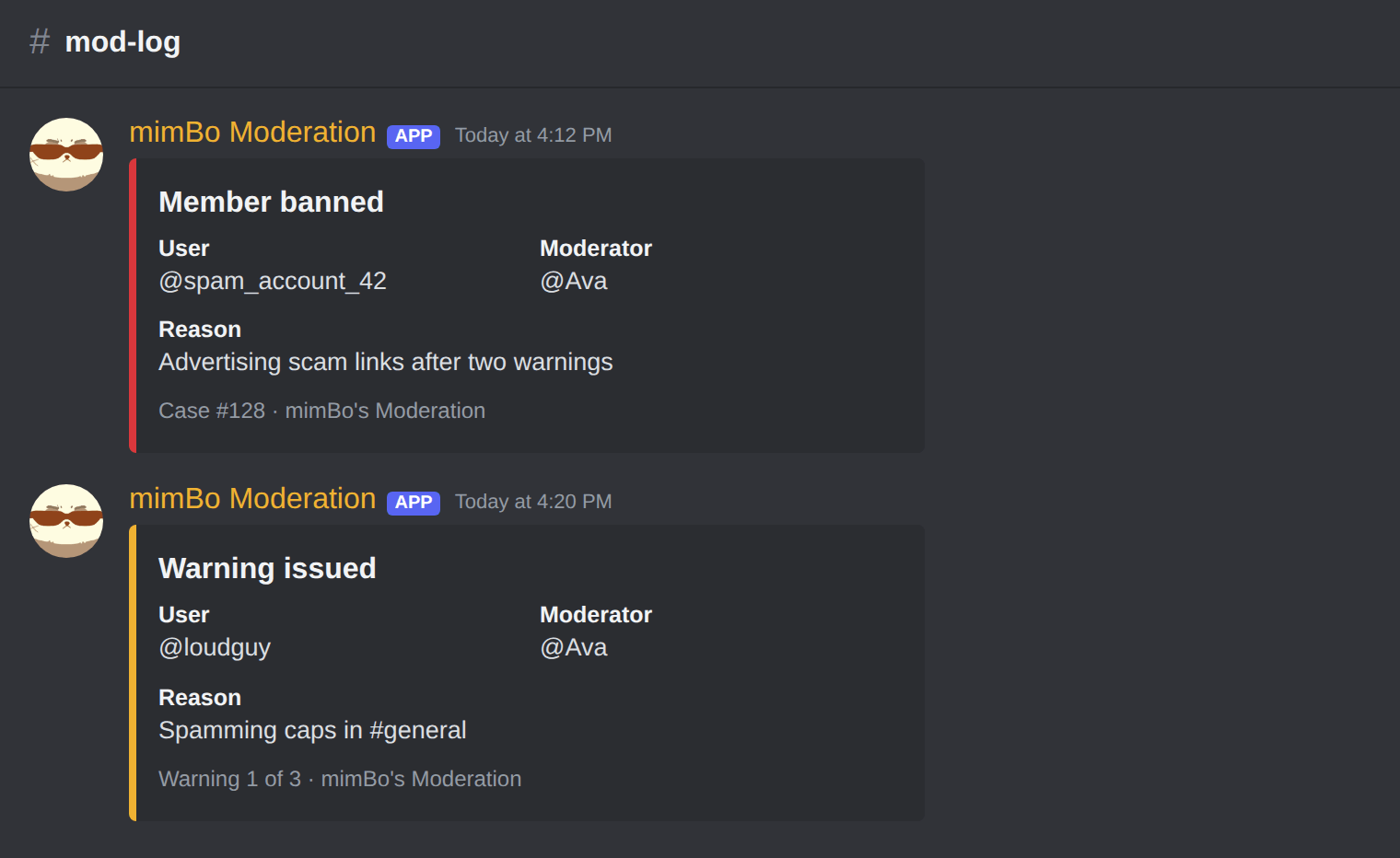
A ban and a warning as they appear in your #mod-log channel.
Tip. Give the bot a role above the members it should moderate. Discord only lets a bot act on roles below its own.
Previous: How to set up a moderation bot on Discord Next: How to exempt staff from auto-moderation and catch hacked mod accounts
Can't find what you're looking for?
Ask us anything in our Discord and we'll help you out.
Ask in our Discord