Help Center / Moderation / How to exempt staff from auto-moderation and catch hacked mod accounts
How to exempt staff from auto-moderation and catch hacked mod accounts
Two settings that save communities: staff exemptions so automation never fights your team, and a tripwire for hacked moderator accounts.
Set up trusted roles
Members with a trusted role are exempt from automatic moderation and raid checks.
- Add the rolesTick your staff roles on the General tab in the portal, or use
/trustedrole addin Discord./trustedrole listshows the current set. - Whitelist known botsUse
/whitelist add bot_idfor automation bots that legitimately create channels or roles, like ticket tools. - SaveThe exemption applies to the anti-spam and the raid checks at once.
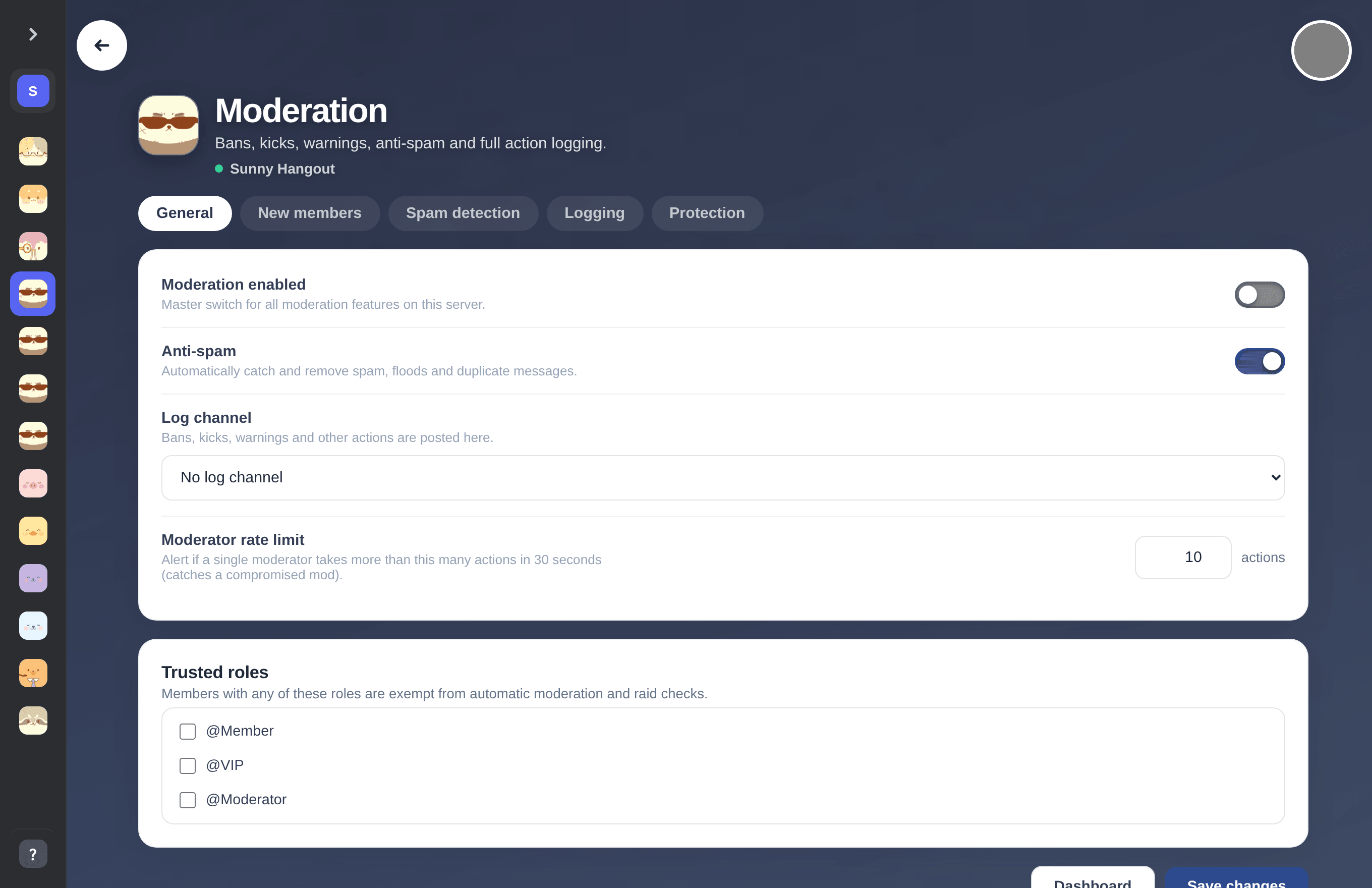
The trusted roles checklist on the General tab.
Set the moderator rate limit
A tripwire for compromised moderator accounts.
- Find the limit on the General tabThe setting is called Moderator rate limit, measured in actions per 30 seconds.
- Pick a number that fits your teamA human mod almost never bans ten people in half a minute, but a hacked account does exactly that. The default of 10 fits most servers.
- React to alerts fastWhen the limit trips, mimBo's raises an alert in your log channel so you can lock things down before more damage is done.
Tip. Set the limit higher if your mods run regular cleanup sprees, or lower on small servers where mass actions are always suspicious.
Previous: How to ban, kick, warn and timeout members on Discord Next: How to monitor everything your moderation bot catches
Can't find what you're looking for?
Ask us anything in our Discord and we'll help you out.
Ask in our Discord