Help Center / Tickets / Every ticket command for staff and admins
Every ticket command for staff and admins
Deploy panels and run the whole support workflow without leaving Discord.
Set up and deploy
| Command | What it does |
|---|---|
| /setup | Open the dashboard to build panels, categories, questions and AI replies. Needs Manage Server. |
| /panel | Post your first configured panel into the current channel. Needs Manage Server. |
Work a ticket
Run these inside a ticket channel.
| Command | What it does |
|---|---|
| /close [reason] | Close the ticket and generate a transcript. |
| /assign agent | Assign the ticket to a staff member. |
| /priority low|normal|high|urgent | Change the ticket priority. |
Customers and reporting
| Command | What it does |
|---|---|
| /customer user | A customer profile: first seen, total tickets, resolved count and recent notes. |
| /note user content | Add a private staff note to a customer's profile. |
| /stats | Ticket totals: open, closed, panels and active panels. Needs Manage Channels. |
What it looks like
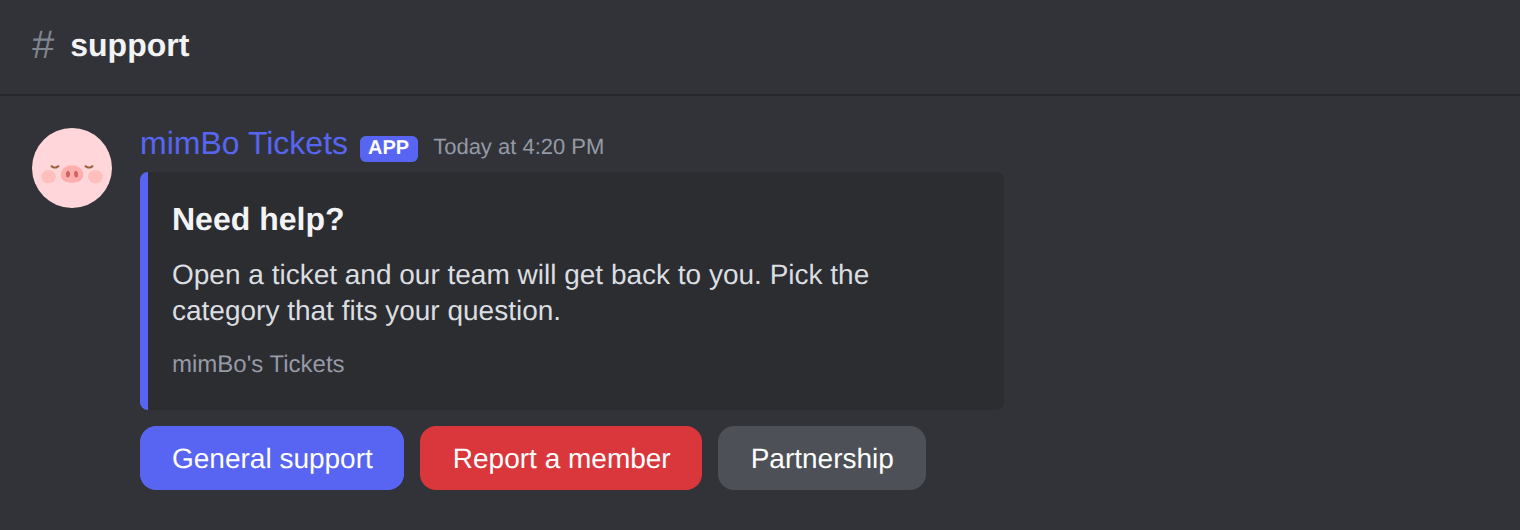
The panel members click to open a ticket.
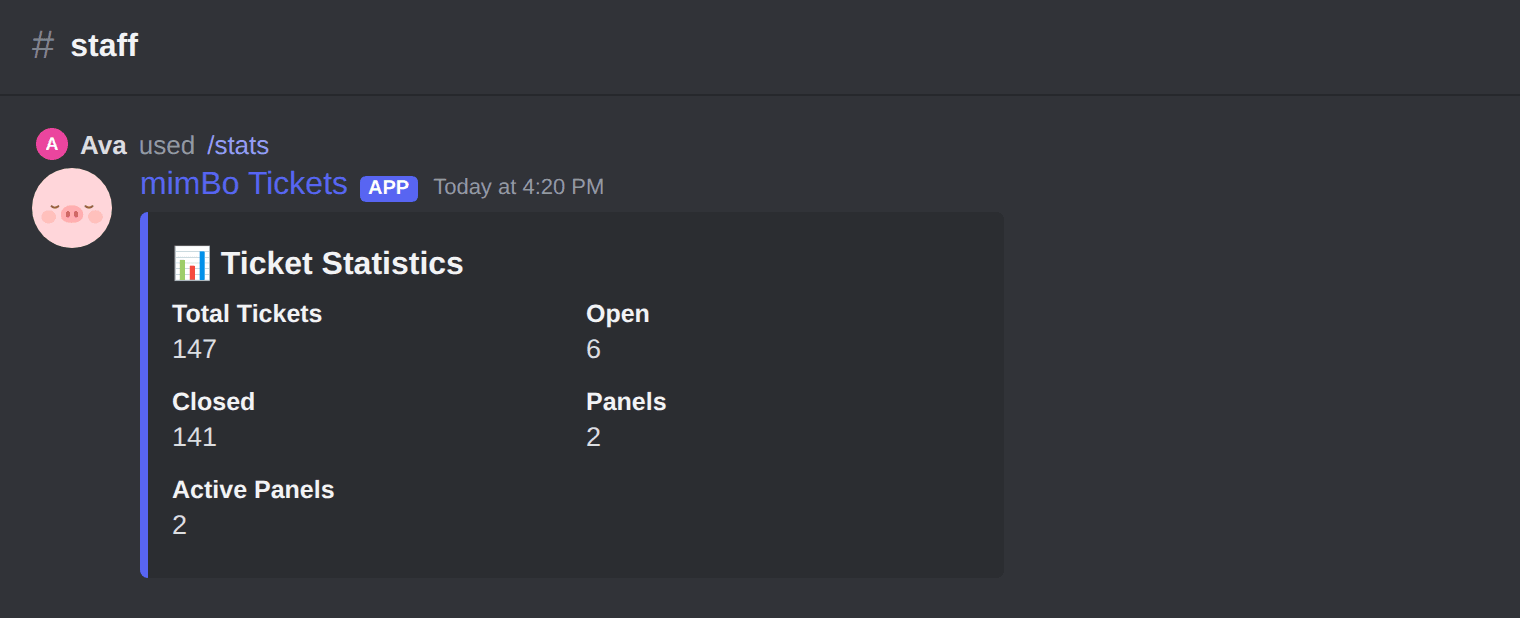
The /stats summary of your ticket volume.
Previous: How to work tickets: assign, prioritise, close and transcripts Next: Fixing common Discord ticket problems
Can't find what you're looking for?
Ask us anything in our Discord and we'll help you out.
Ask in our Discord